Step 2: Review the Intel Page
Written By Kalo from Sensorhub
Last updated 5 months ago
Quick Start Checklist
Step 2: Review the Intel Page
Here's how SensorHub knows which signals to find for you:
When you signed up, you entered your website. From that website, SensorHub automatically builds a profile of your business. We call it intel.
It includes:
USP – your product category and unique value propositions
Key Selling Points
Ideal Customer Profiles
Competitors
and Subreddits
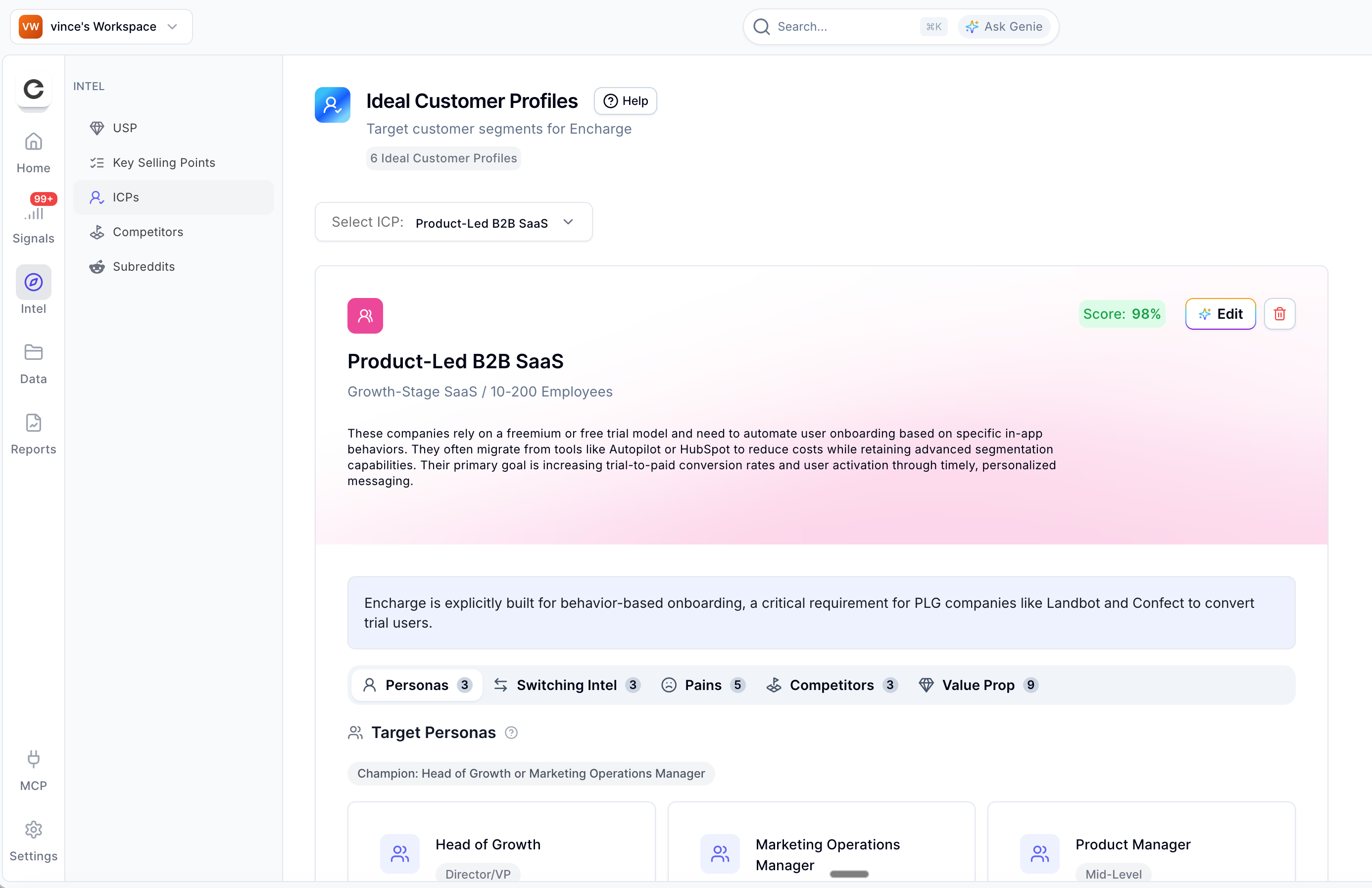
This information is what powers your signals. Every signal in Sensorhub is matched against it.
You can review and change anything in the Intel tab. If something is off, for example, you are missing a competitor or ideal customer profile, you can change that by talking to Genie. Simply click on the Edit button and then describe your issue.
Better intel means better signals. Take a minute to review it and make sure it matches how you see your business.
Important: The changes you make in the Intel page will not affect the signals that Sensorhub has already found. They will only work for future signals, so it might take a while to see the difference. More targeted signals might start to appear in the next three hours, but it’s best to wait at least 24 hours to be sure.
Editing Intel Data
There are two ways to edit intel data:
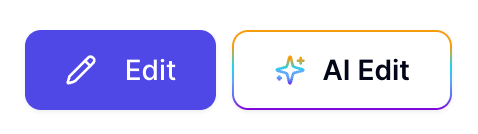
Manual edit - add, delete, and change data through a simple UI
AI Edit - Ask our AI agent Genie to make changes for you. For example, prompt it with "add a new competitor [name]" and it'll fill in all the necessary fields automatically. One thing to know: Genie edits one Intel section at a time, so you can't ask it to update competitors and ICPs in the same prompt, for instance.
You can select either option from the top right of the Intel page.
Join Subreddits (Optional)
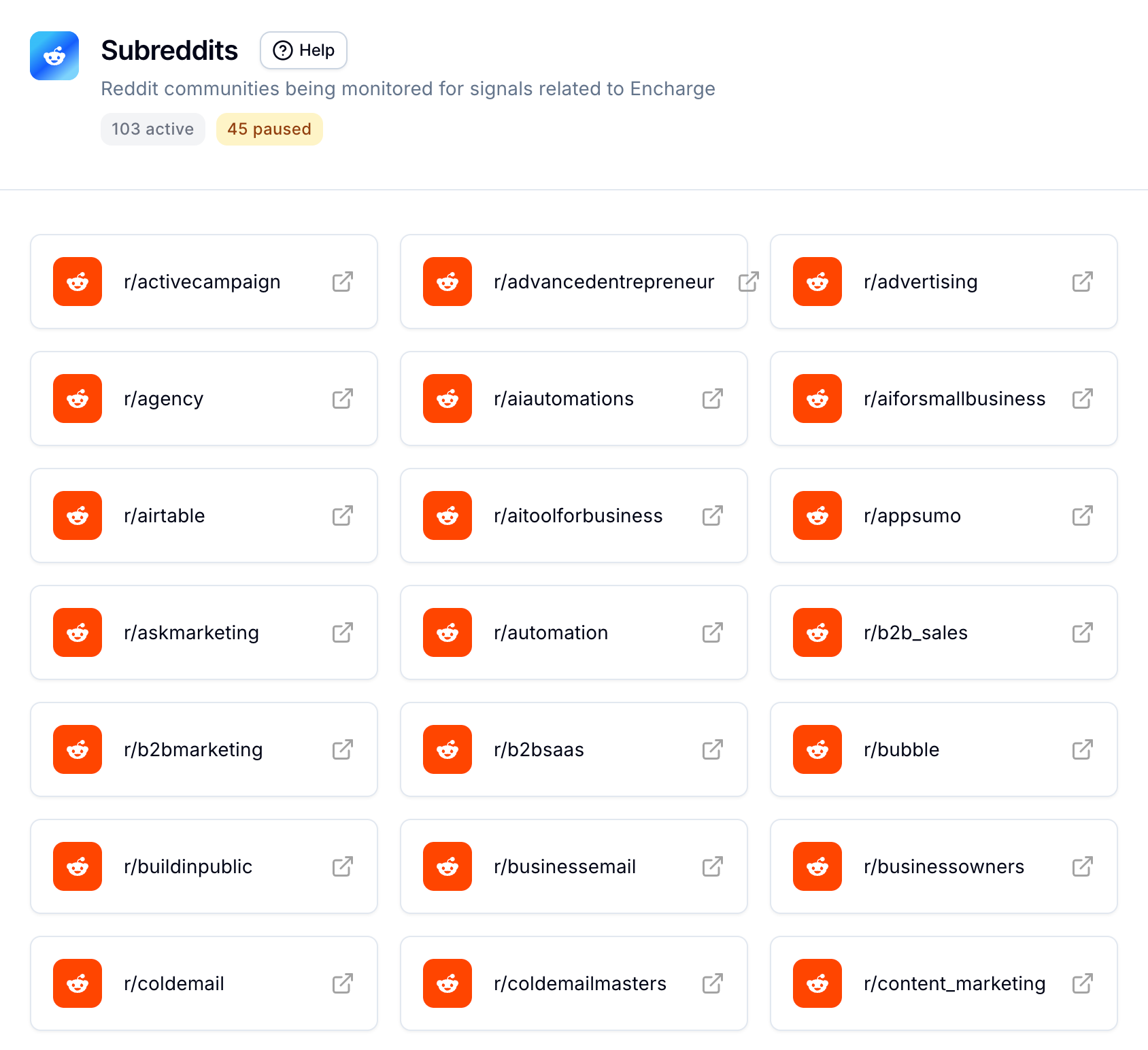
If you plan to engage in Reddit communities, join the relevant subreddits before you start commenting. Reddit has a feature called Crowd Control that can hide your responses from other users if you're not a member of the community. Sensorhub surfaces the most relevant subreddits for your business, so go through that list and join them in advance to make sure your comments are visible from day one.
Quick Start Checklist
Step 2: Review the Intel Page
Still need help? Ask the team