Step 3: Set Up a Custom Voice
Make Sensorhub sound like you
Written By Kalo from Sensorhub
Last updated 6 months ago
Quick Start Checklist
Step 3: Set Up a Custom Voice
A Voice is a personalized profile that helps Sensorhub understand how you write and what makes you credible.
You can create up to 15 voices per project.
To create one, go to the Voices tab, give your voice a name, and select the person's job role.
You can also select to create a voice for you (or someone from your team) or a customer.
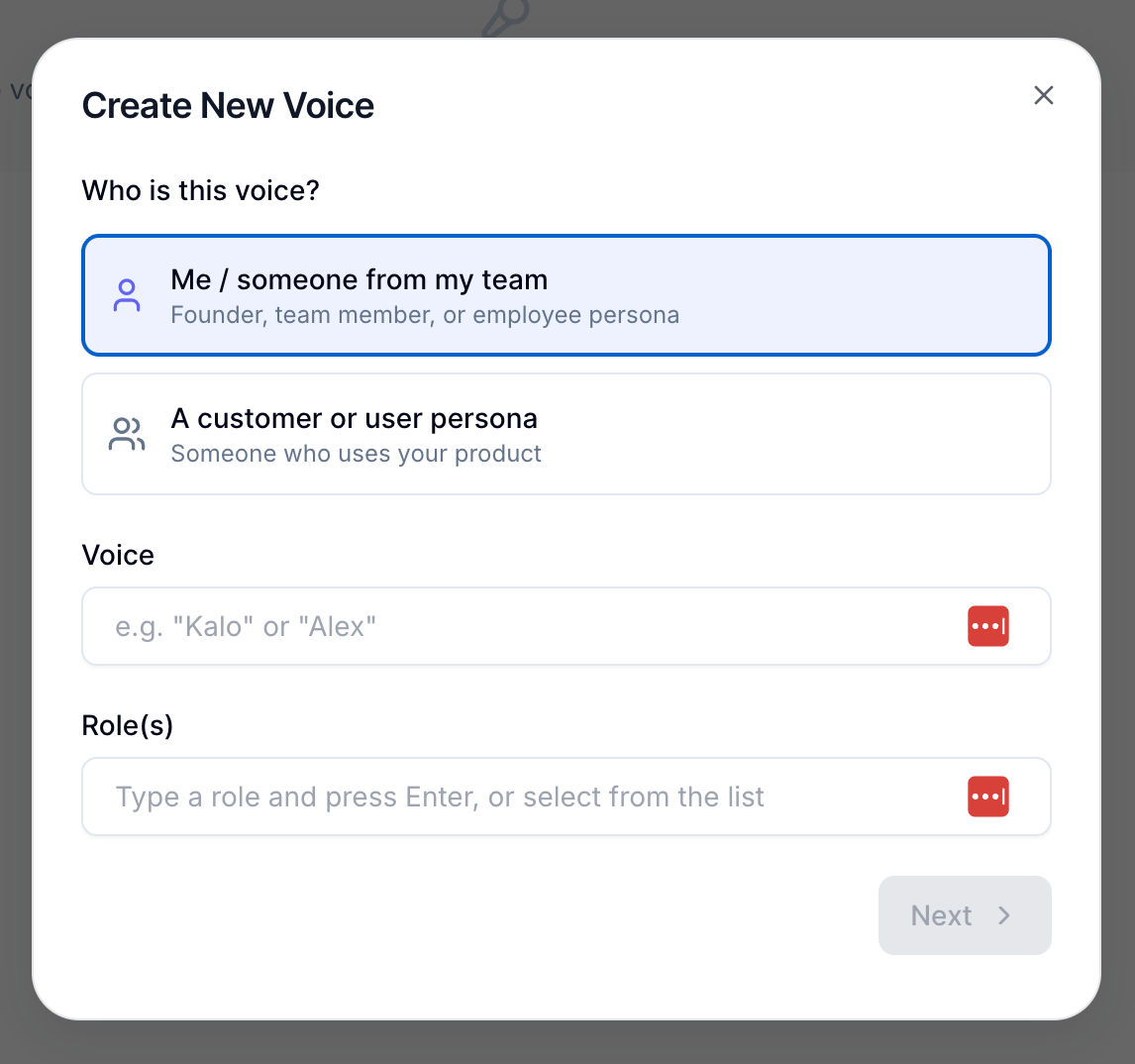
Then, Sensorhub will ask you a few personalized questions to better understand your style and experience. It takes a minute or two for these questions to show up. Once you answer them, click on “Create Voice”
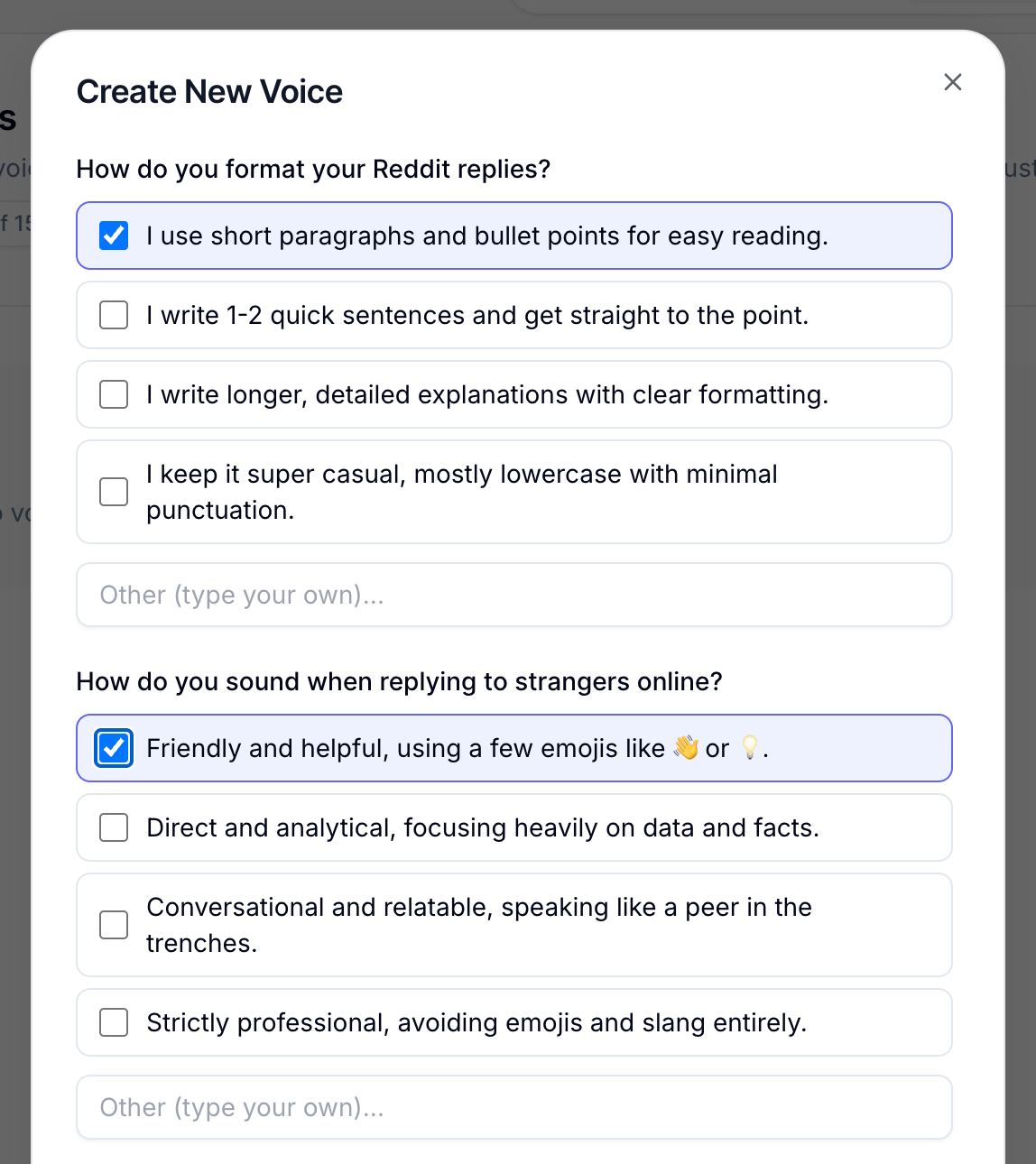
Based on your answers, it automatically fills in your experience, personality, goals, and writing style.
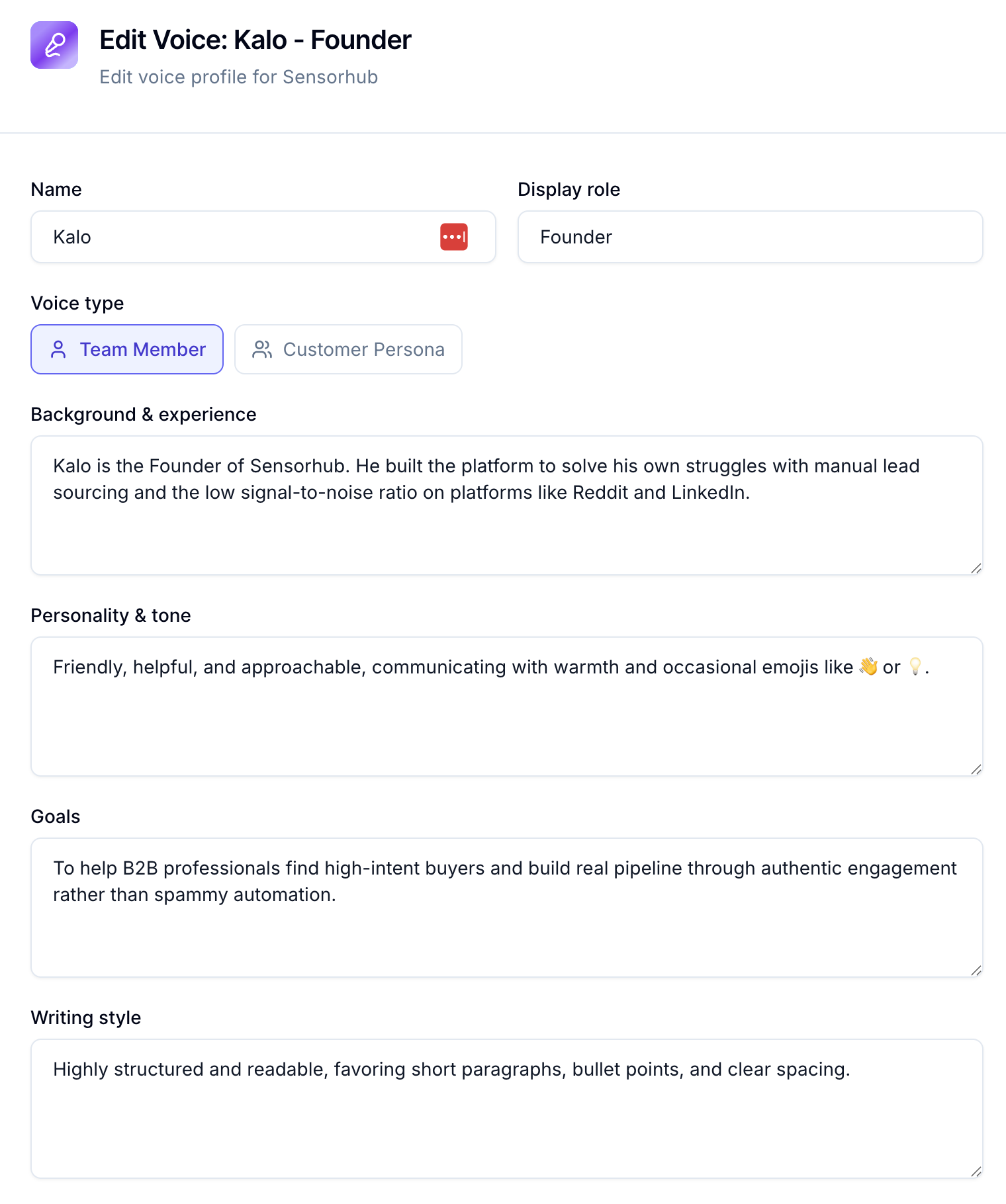
You can review and edit any of this later if you want to fine-tune it. You can also add custom instructions in the “Other Instructions” field. for anything specific you want Sensorhub to keep in mind.
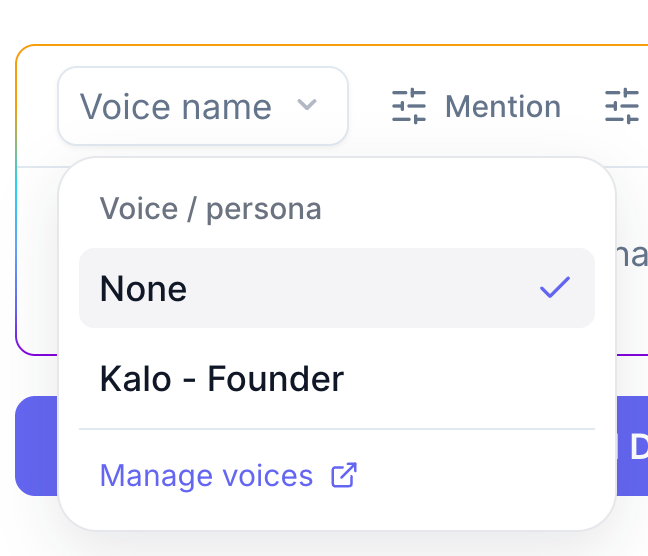
Once saved, just select your Voice when generating drafts from the Signals tab. Every response will sound like it actually came from you.
Quick Start Checklist
Step 3: Set Up a Custom Voice
Still need help? Ask the team