Step 1: Sign Up for Sensorhub
Written By Kalo from Sensorhub
Last updated 6 months ago
Quick Start Checklist:
Step 1: Sign up for Sensorhub
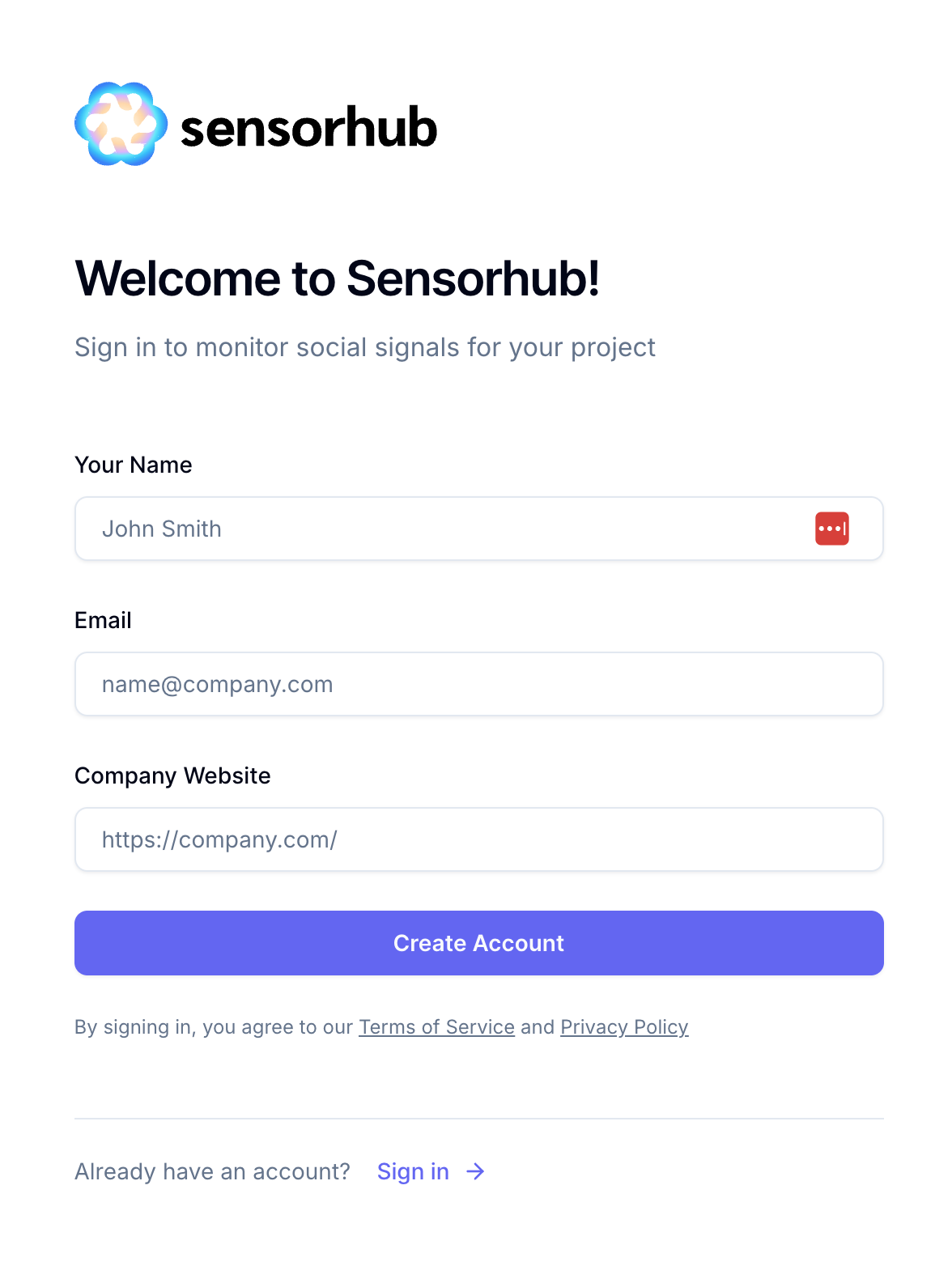
To get started with Sensorhub, head out to our Signup page.
To create your first account, you'll need to enter some details:
Full name
Email address – make sure you enter a valid email address; you will be asked to verify it.
Your company website – this is not the website that Sensorhub will use for your first project. You enter this on the next step.
Verify Your Email
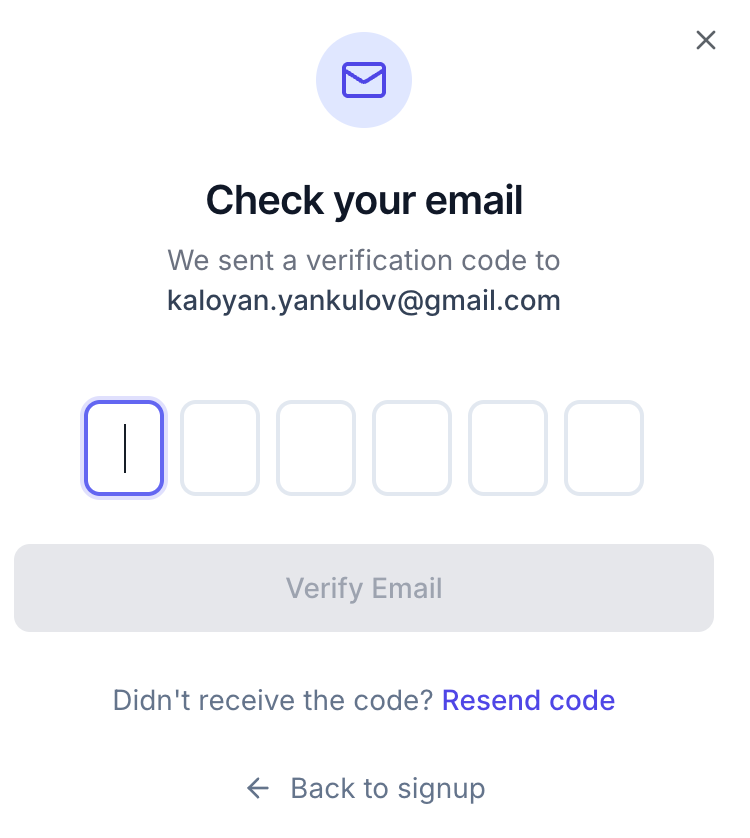
On the next step, you’ll be asked to verify your email address by entering a 6-digit code.
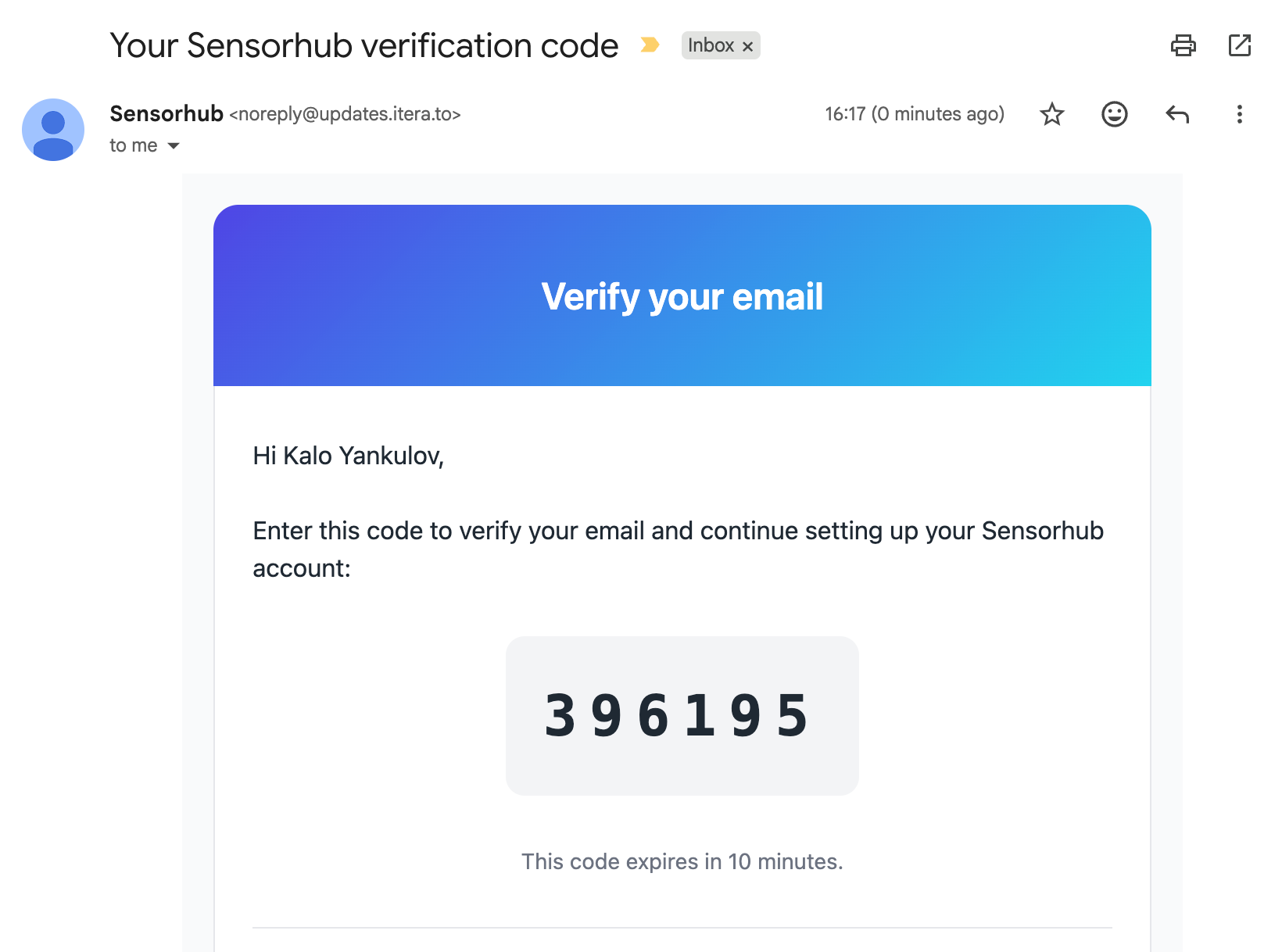
This is what an email with the verification code looks like. If you are experiencing issues with the verification process, please email us at support@sensorhub.ai
Create Your First Project
Everything in Sensorhub starts with your website. Sensorhub analyzes your website to identify the most relevant signals for your business (like conversations on social media).
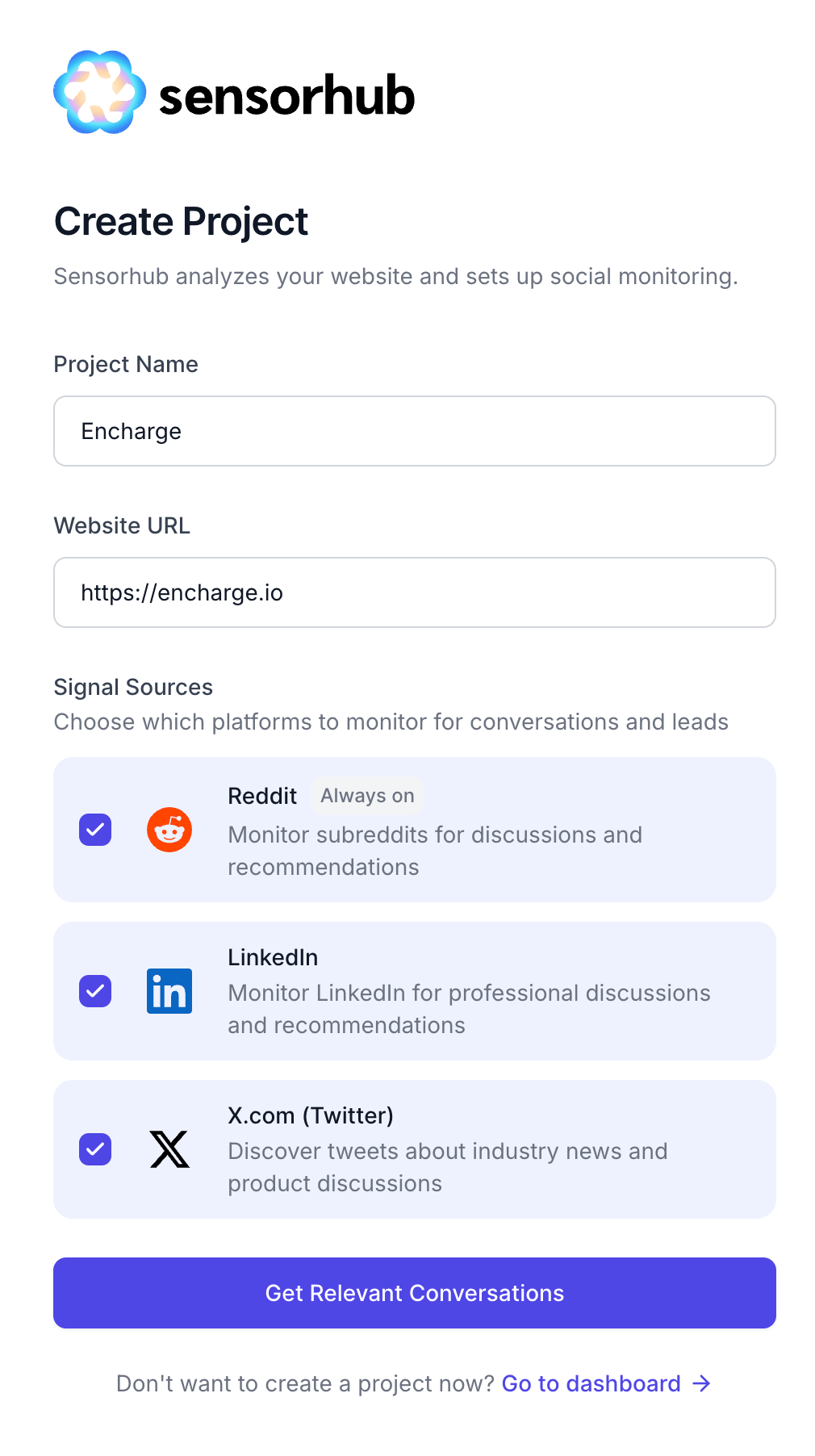
Two important things to keep in mind when entering the website for your first project:
Use a real website - Sensorhub needs a live website to analyze your business and return signals. For security reasons, you can only create one project during your trial. If you enter a fake or placeholder website, you won't be able to create a new project or update the existing one.
Each website can only belong to one workspace. If a teammate has already used that website to create a workspace, you won't be able to start a separate trial with it. Instead, ask them to invite you to their workspace.
Select the signal sources and click on “Get Relevant Conversations.”
Website Analysis
Sensorhub runs a deep analysis of your website to find the most relevant conversations. Your first batch of signals will arrive within 5-15 minutes. Depending on how active your industry is online, Sensorhub may continue finding new signals for up to an hour or two after that.
But don’t worry, you can close the loading screen and come back later. You’ll receive an email once the first batch is ready.
Here are some of the things Sensorhub analyzes based on your website:
Your business description and Unique Value Proposition
Your Ideal Customer Profile
Competitors
Relevant communities and Subreddits
It then analyzes tens of thousands of conversations across social media to find the most relevant signals for you.
Important: If your website copy is vague, outdated, or doesn't clearly describe your products and target market, Sensorhub won't know what to look for - and the signals it returns may be off-target or sparse. The better your website communicates what you actually sell and to whom, the more relevant your signals will be.
Sensorhub Trial Limits
Every new account gets a 7-day free trial. Here are the limits on your trial:
You get access to signals from all three platforms: Reddit, LinkedIn, and X.
You can create up to 1 project.
You can invite 3 team members.
You can unlock (view) up to 30 signals.
Sensorhub will discover up to 3,000 signals
You can’t download signal reports during your trial.
Once you upgrade, these limits will be lifted.
Quick Start Checklist
Step 1: Sign up for Sensorhub
Still need help? Ask the team