Webhooks
Send your signals everywhere
Written By Kalo from Sensorhub
Last updated 4 months ago
Sensorhub now sends signals to any tool that accepts webhooks - Clay, Make.com, Zapier, n8n, or your own endpoint.
⭐ Available on Pro (up to 3 webhooks) and Enterprise (up to 10).
What Are Webhooks?
A webhook is a way for one application to automatically notify another application when something happens. Think of it like text messages over the phone. It uses a specific Webhook URL (essentially the phone number) to send events and data to it.
Currently, Sensorhub Webhooks are outgoing. Meaning that Sensorhub can send signal data to other apps. It can’t receive data from other tools yet, but if you have ideas on how you can use external data in Sensorhub, let us know by emailing support@sensorhub.ai.
Set Up Your First Webhook
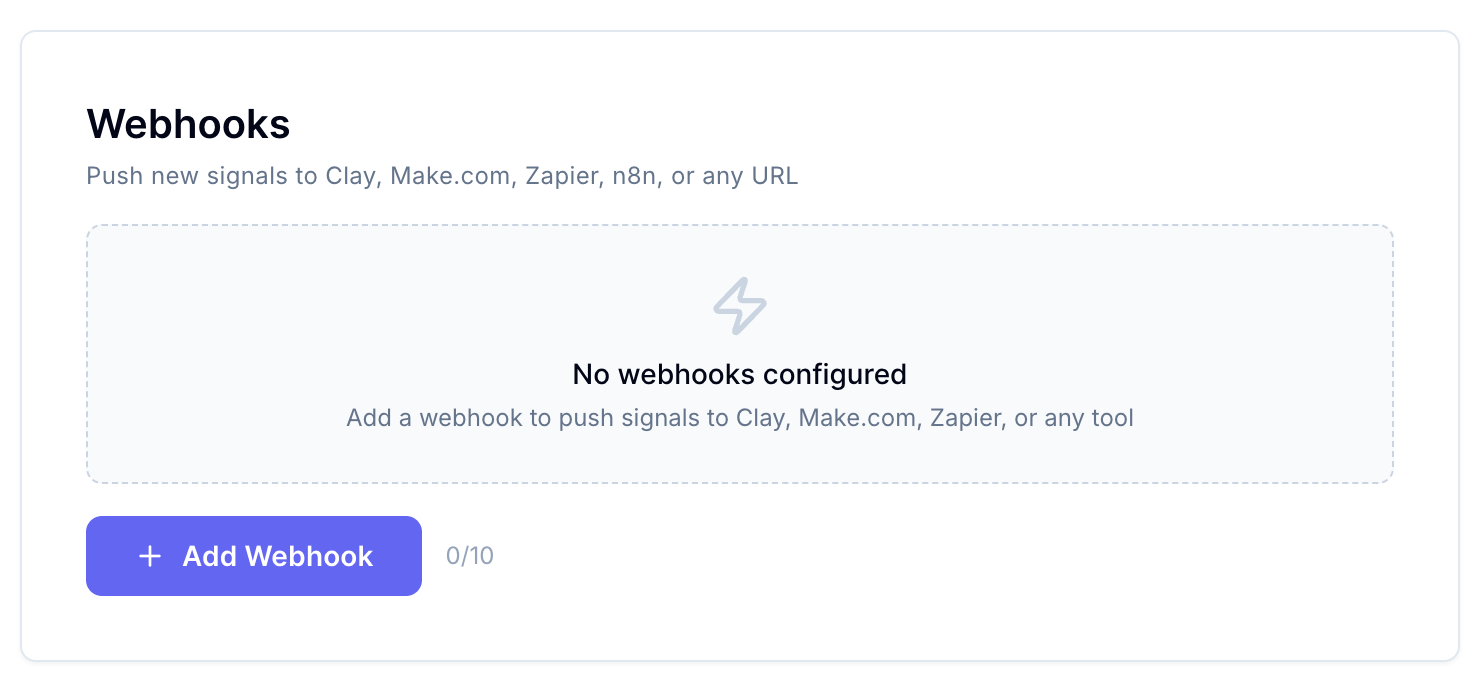
Go to your project's Settings and click "Add Webhook”:
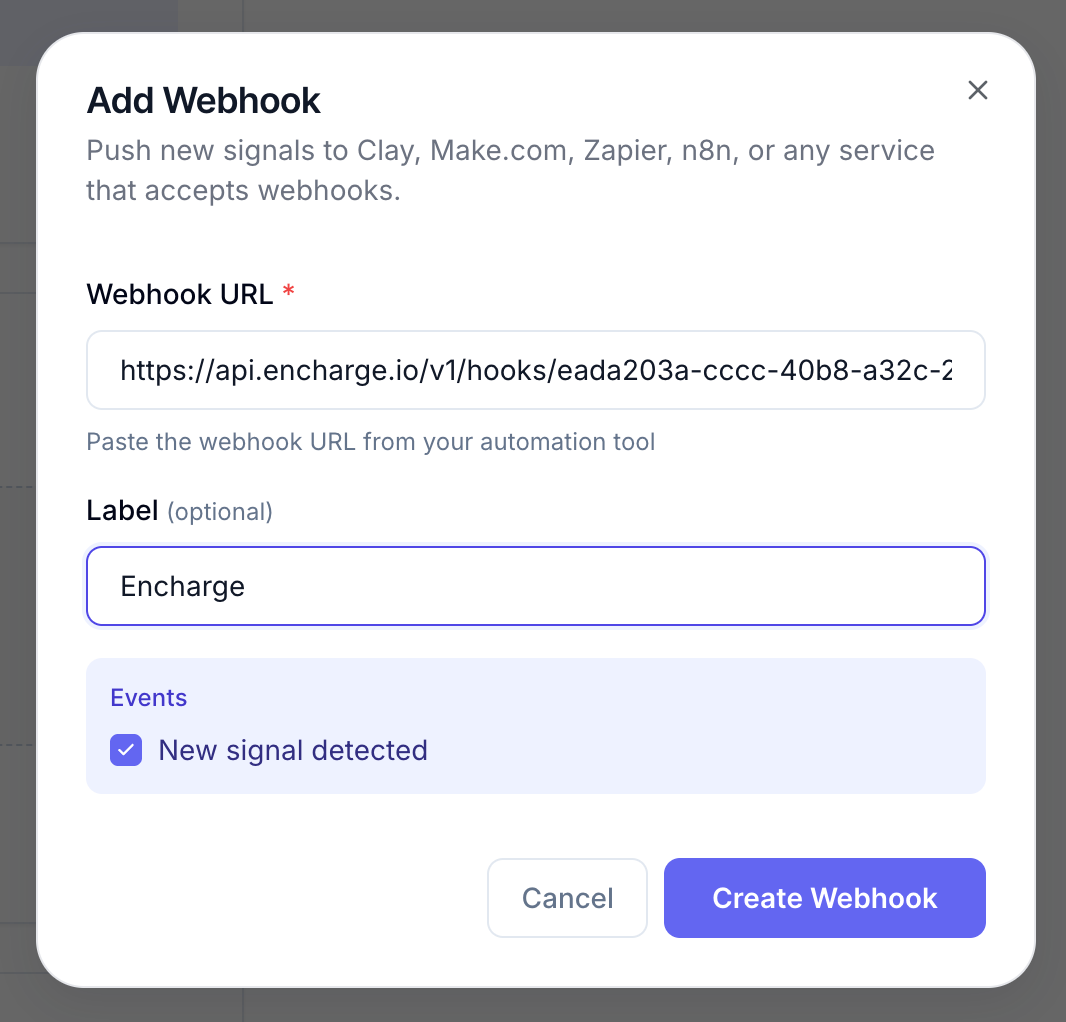
Paste the destination URL, and give it a name so you can tell your webhooks apart inside Sensorhub:
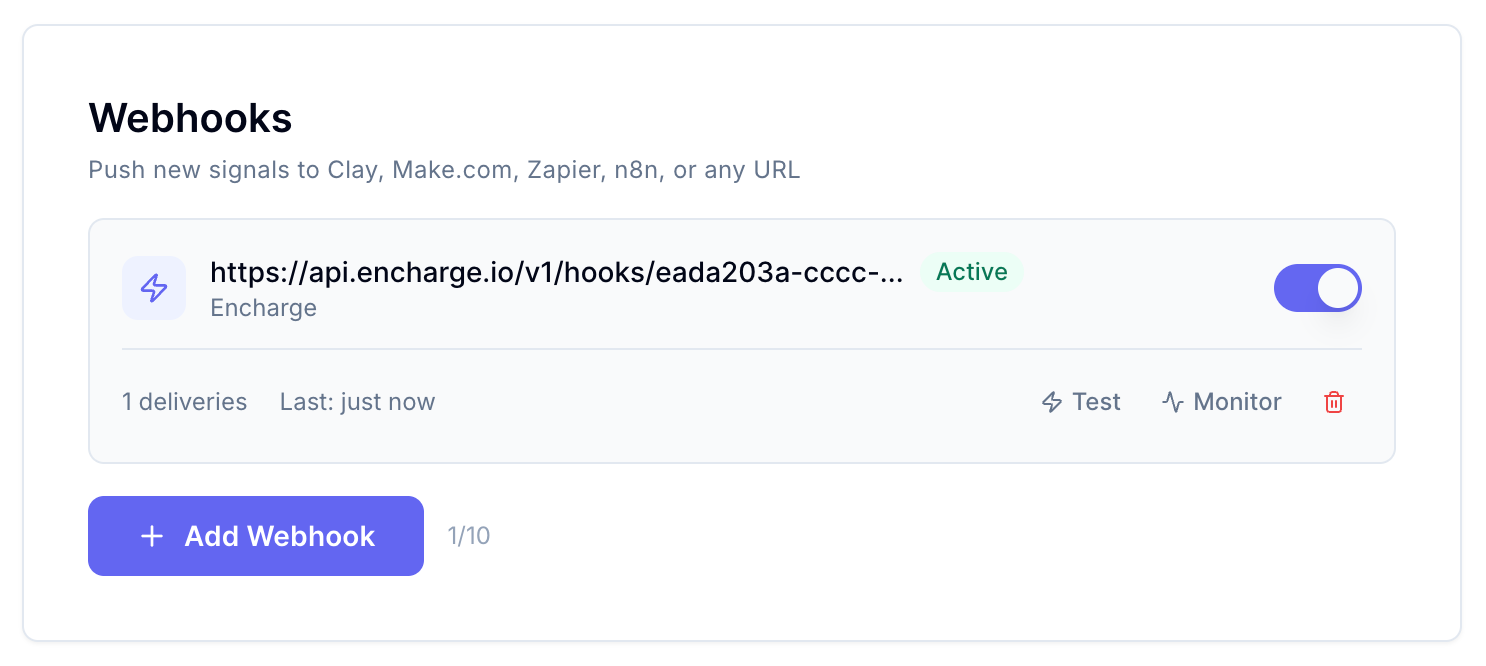
Hit "Test" to send a sample event and confirm the receiving app picked it up:
Here's what data we send on every signal (the request payload):
{
  "event": "signal.created",
  "score": 0.92,
  "category": "85%+",
  "post_url": "https://reddit.com/r/SaaS/comments/test123",
  "post_body": "This is a test webhook payload. We are looking for a solution to help our team automate cold outreach and follow-ups.",
  "reasoning": "TEST: User is actively seeking a solution matching your product.",
  "signal_id": "test_signal_001",
  "timestamp": "2026-05-27T16:46:04.015Z",
  "post_title": "[TEST] Looking for a tool to automate outreach",
  "product_id": "test_product_001",
  "webhook_id": "cmoig3jyq0001s525gkgptz96",
  "post_author": "u/test_user",
  "post_source": "REDDIT",
  "product_url": "https://example.com",
  "match_method": "ml",
  "product_name": "Sensorhub",
  "post_subreddit": "SaaS",
  "post_created_at": "2026-05-27T16:46:04.015Z",
  "matched_keywords": []
}
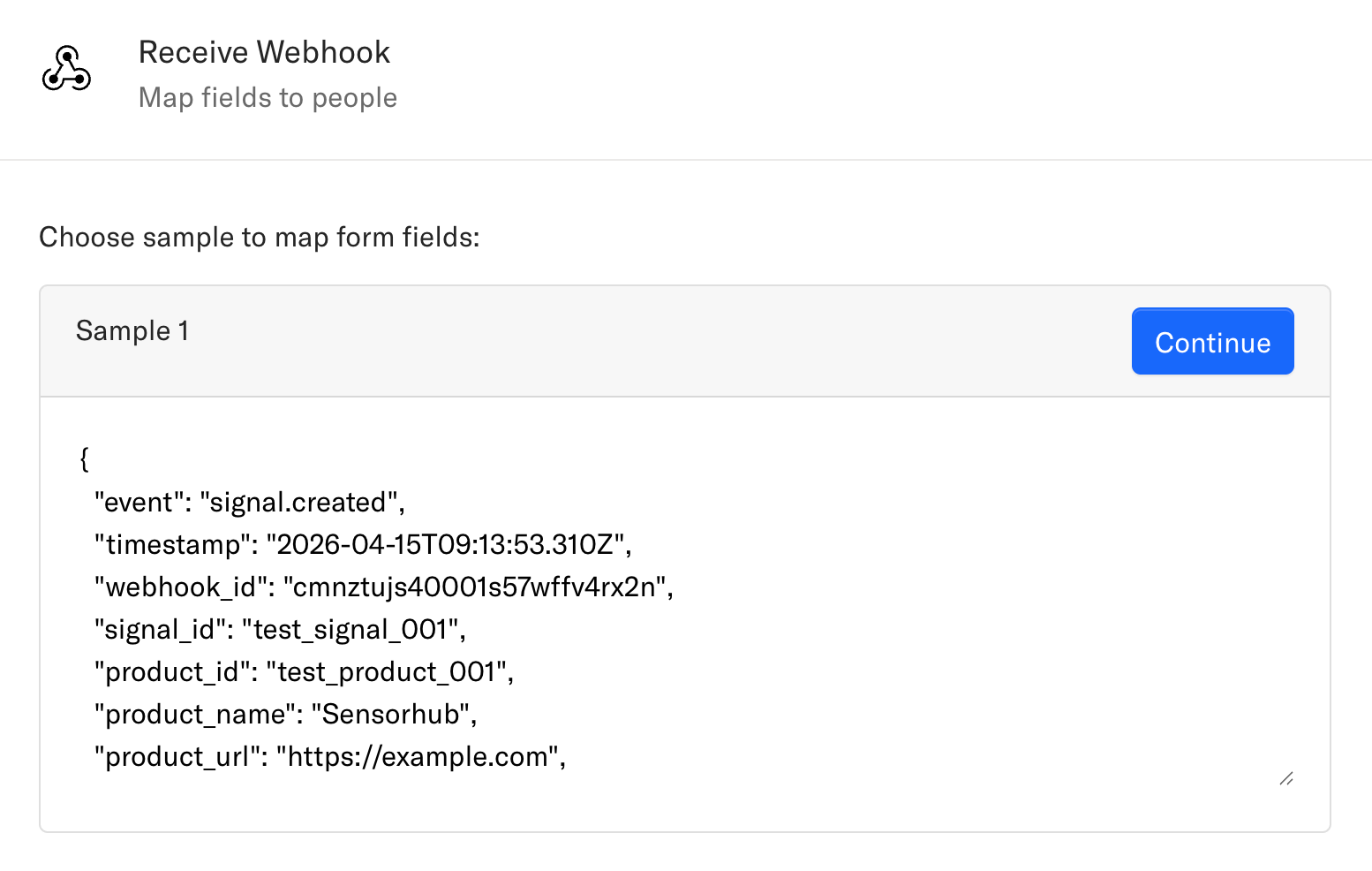
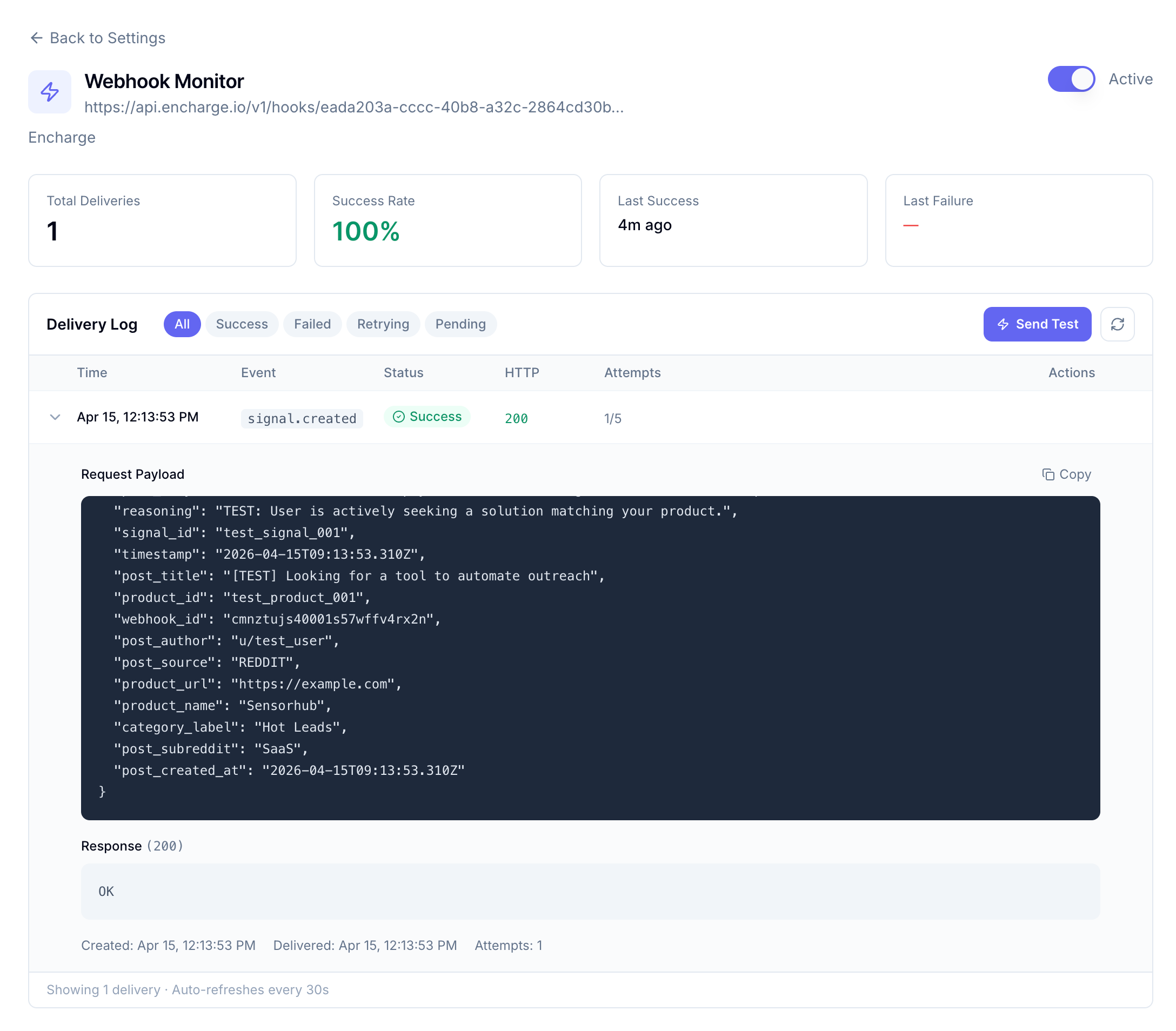
Make sure you receive the data successfully in your external app. Here’s an example from Encharge:
Monitor Webhooks
Once your webhook is live, the delivery log tracks every event with success and failure rates, so you can spot broken integrations before they cost you leads:
Still need help? Ask the team