Webhooks
You can now send signals from Sensorhub to other platforms like Clay, Make.com, Zapier, or any other tool that supports receiving webhooks.
Webhooks are supported on Pro and Enterprise plans:
Up to 3 webhooks on Pro
and up to 10 webhooks on Enterprise.
Webhooks setup
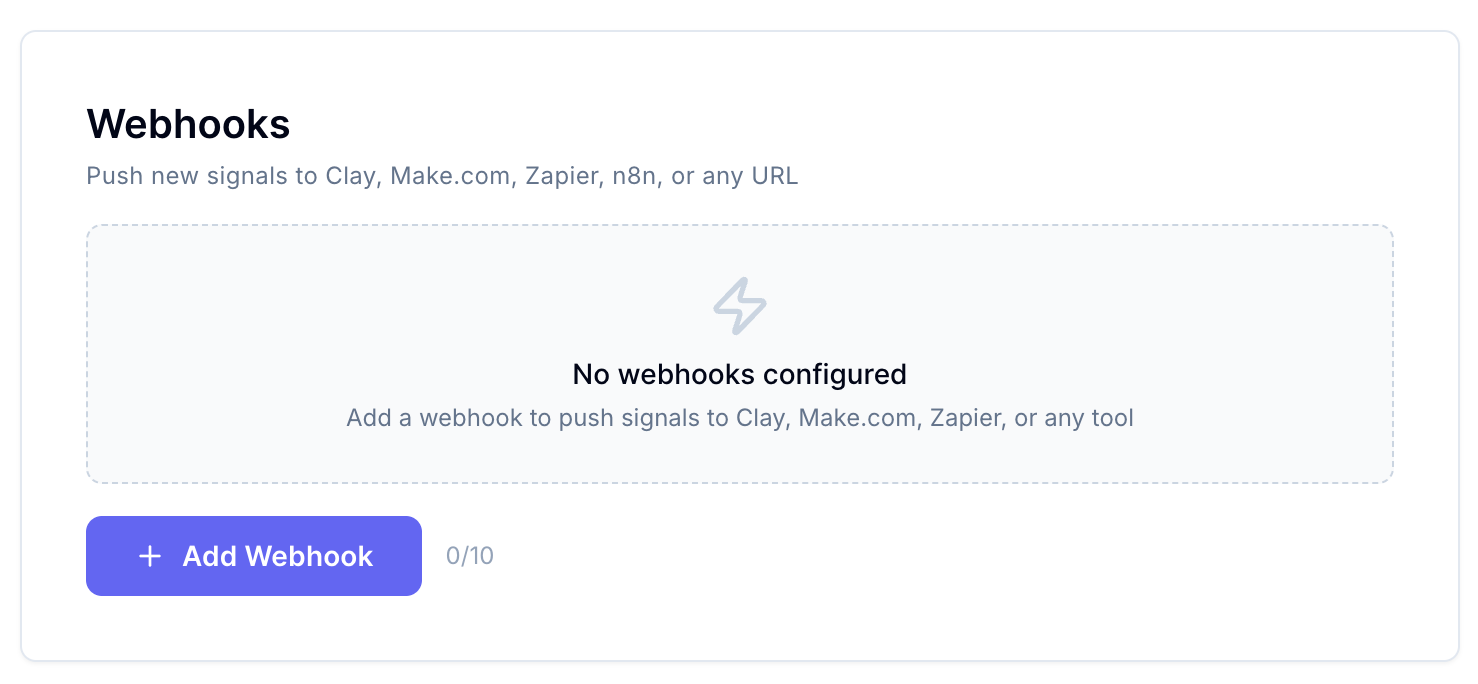
Go to your project’s Settings page, and create your first webhook by clicking on “Add Webhook.”
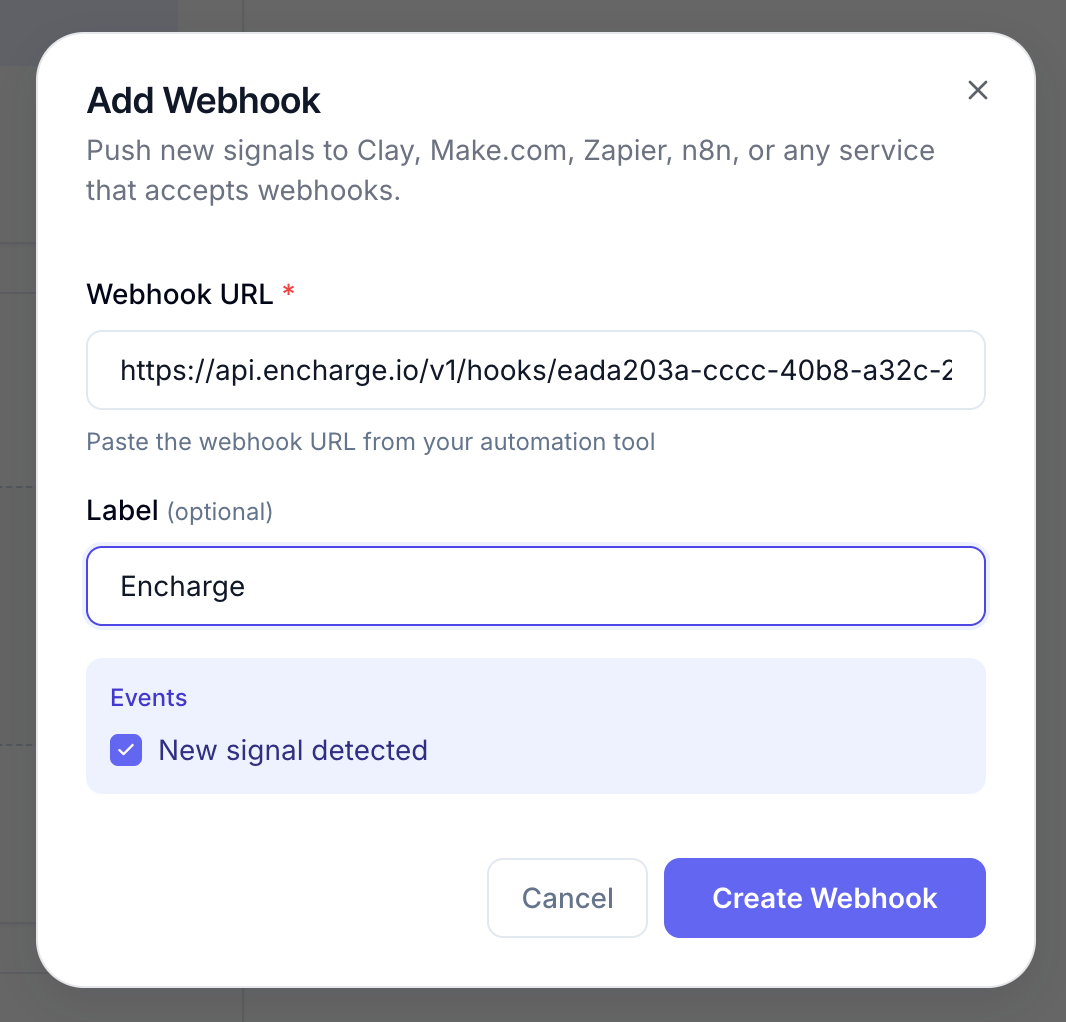
Paste the URL from the external app and add a custom name for the webhook to identify it in Sensorhub.
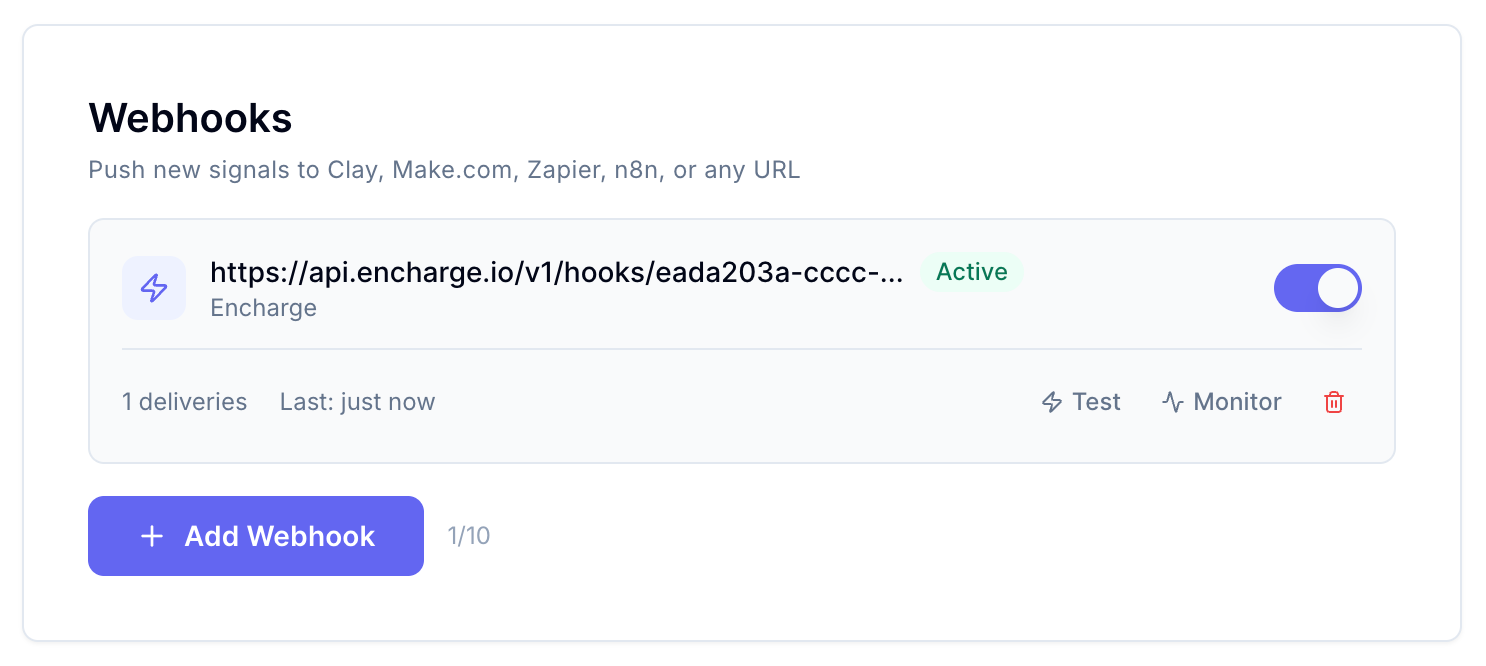
Once you create the Webhook, make sure to test it through Sensorhub by clickin on “Test”:
This is the data we send from Sensorhub:
{
  "event": "signal.created",
  "timestamp": "2026-04-15T09:13:53.310Z",
  "webhook_id": "cmnztujs40001s57wffv4rx2n",
  "signal_id": "test_signal_001",
  "product_id": "test_product_001",
  "product_name": "Sensorhub",
  "product_url": "https://example.com",
  "post_title": "[TEST] Looking for a tool to automate outreach",
  "post_body": "This is a test webhook payload. We are looking for a solution to help our team automate cold outreach and follow-ups.",
  "post_url": "https://reddit.com/r/SaaS/comments/test123",
  "post_author": "u/test_user",
  "post_source": "REDDIT",
  "post_subreddit": "SaaS",
  "post_created_at": "2026-04-15T09:13:53.310Z",
  "score": 0.92,
  "category": "hot_leads",
  "category_label": "Hot Leads",
  "reasoning": "TEST: User is actively seeking a solution matching your product."
}
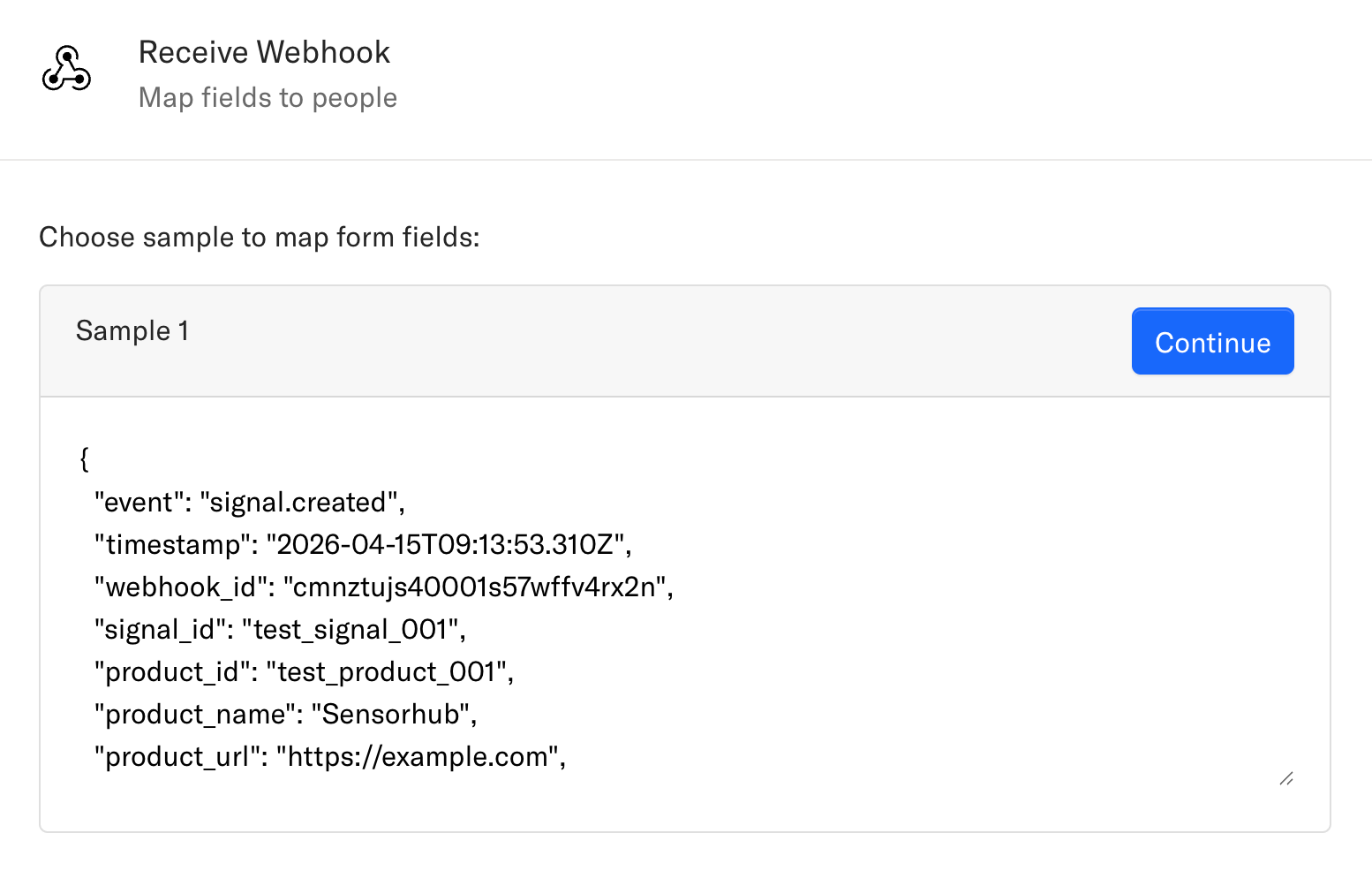
Make sure you receive the data successfully in your external app. Here’s an example from Encharge:
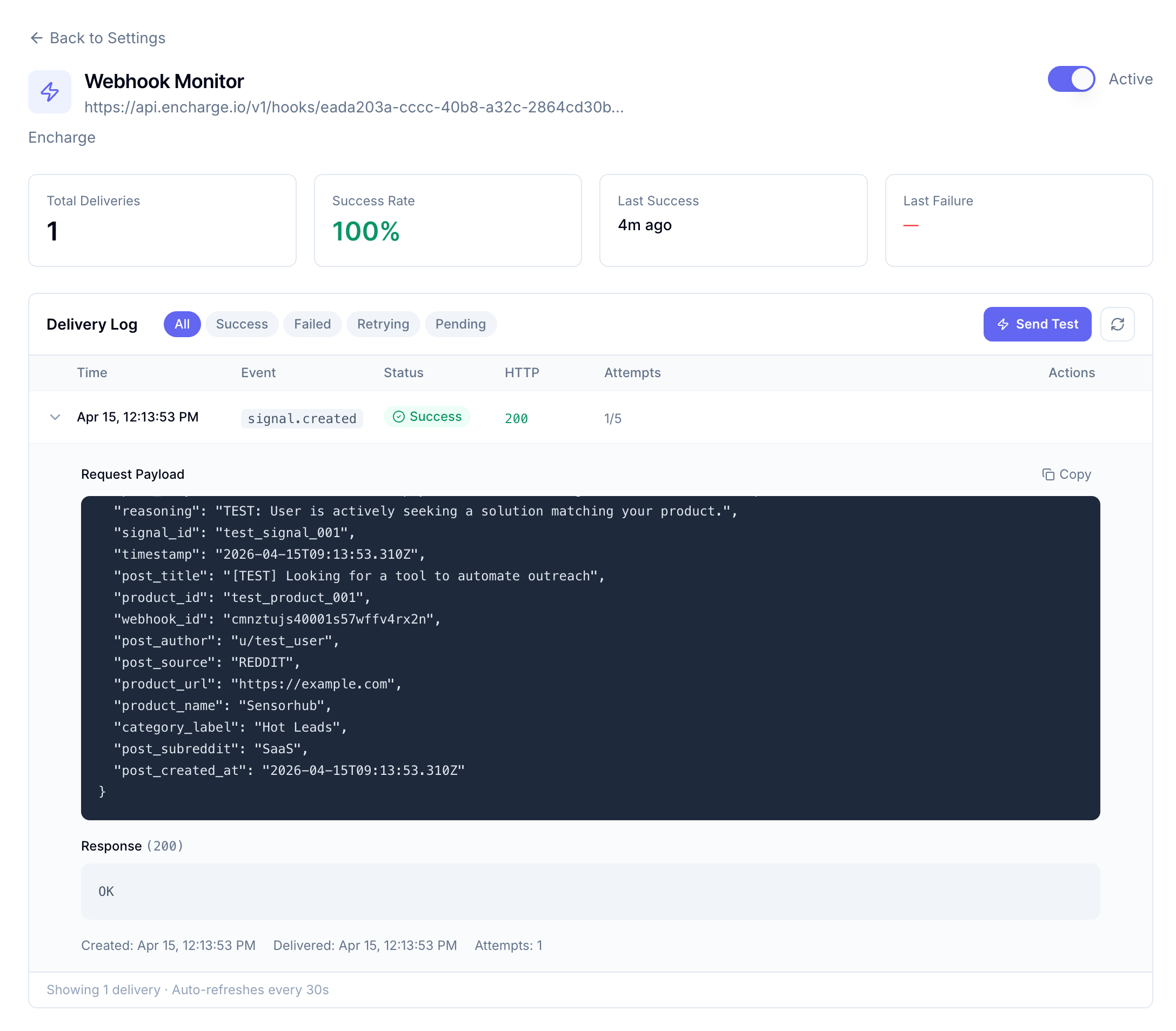
Once the Webhook is active, you can monitor the delivery log with success and failure rate metrics for every single event that passed through the webhook:
Status: Completed
Log in to comment and vote
No comments yet
Be the first to share your thoughts.